
Listings → Open Homes button

Select the OSL Office gives you the option to quickly add bulk open homes for multiple listings at the same time.
- Select the listings that you want to add an Open home time to
- Then click on the Open Homes button
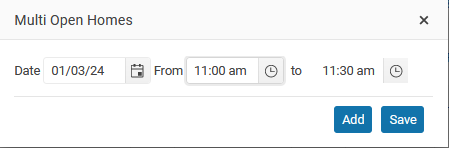
3. Keep adding Open Home times
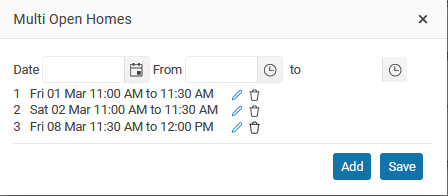
4. When finished click on the Save button
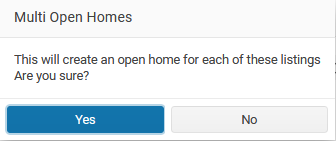
When you click Yes the Open Home times will be added to each property.
Each Listing will be updated on all portal websites.