
Listing → Lease tab

Use the Lease tab to record the lease information for a Commercial or Business listing.
The lease information can be displayed on your Commercial flyers and information sheets, and is used to record important lease renewal/review and expiry dates.
TABLE OF CONTENTS
Use the Listing Lease tab to manage the Current or New Lease information
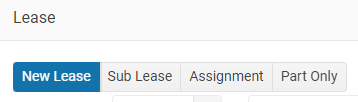
On the Commercial Lease tab enter the Lease details;
- Type of Lease; New lease, Sub lease, Assignment or Part Only
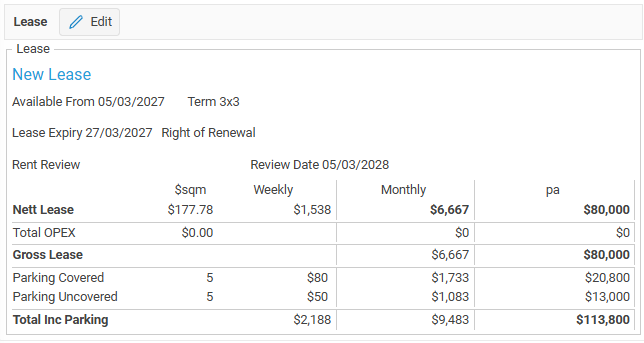
- Available from, Lease Expiry date, Right of Renewal and Lease Term
- Renewal and Rent review dates
- Enter detailed OPEX
- The number of available carparks both covered and uncovered with weekly amounts
Lease expiry and Lease review dates: when entered you will receive a reminder email 90 days before the expiry/renewal date and a To Do Task on the date of the Expiry/Renewal
Make sure that you have turned on the expiry email alert in Staff > Alerts - Lease expiry email
Lease includes Outgoings
Select this checkbox when the Lease amount includes outgoings.
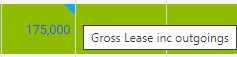
The blue triangle top right of the Gross lease amount indicates that the lease amount incudes OPEX

Lease Amount and OPEX
Click on the Edit button
- OPEX
- Insurance
- Rates
- Body Corp
- Other
You can enter either the $ per sqm, Weekly, Monthly or the per annum Lease amount.
Enter the PA rates and the other values will be automatcially created
Gross Lease amount before carparking
Carparking
Enter the number of Covered and UnCovered car parks; per week, monthly or per annum amounts