
 Use the Copy button to create a new listing from an existing listing in OSL Office.
This is useful in situations such as:
Entering listings for a development
Where each listing is very similar, for example multiple lots in a subdivision.
Relisting a property
If you want to relist a property that was previously Withdrawn or Sold, you can copy the original listing and update the details as required.
TABLE OF CONTENTS
How to Copy a Listing
- Find the listing that you want to Copy - select the Listing
- Select the Tools button
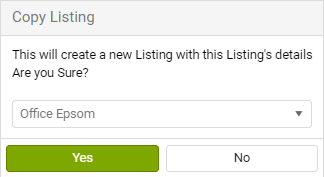
- Click on the Copy button

A new Pending Listing will be created.
Help video

Notes
- The Vendor will be copied, and listing advertising copy and listing images
- Any Auction/Tender/Deadline Date /Time are Not copied.
- Agency from and Date listed for the new listing are set to the current day.
- Open homes are Not copied.