
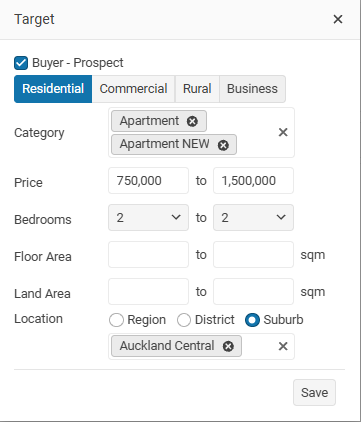
Use the Target option to save a person's property requirements in your database.
TABLE OF CONTENTS
Contact Target tab

Then use the Match button to find properties that match to a Buyers requirements.
New Target
Click on the + Add button to enter your contact targets
Select the Target and then you can click on the match option to find matching properties in your office .
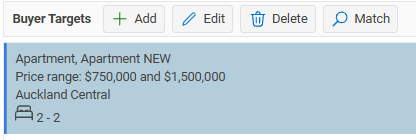
You can enter multiple Targets for a person.
We all have stories of buyers looking for a single-level brick-and-tile home in a specific suburb, only to purchase a two-level weatherboard home in a different suburb!
Match
Select the target that you want to look for and then click on the Match button
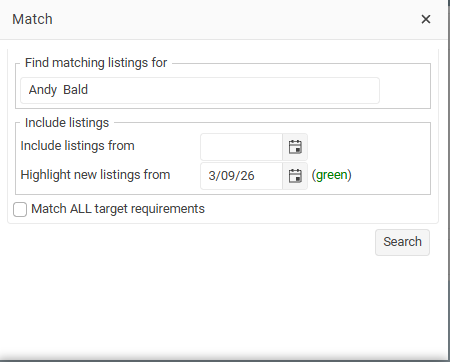
Include listings from; leave this blank if you want to search across all listings
Highlight new listings from: use this option if you want to view recently added listings diffrently, these will be display in green.
Results
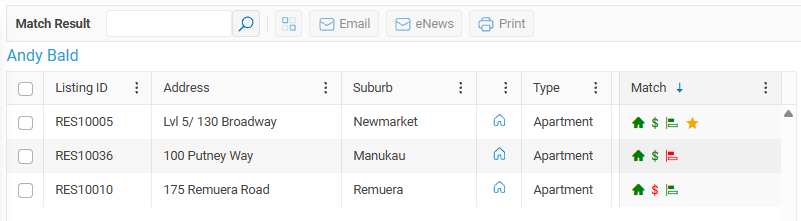
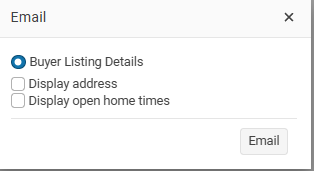
Send matching properties to your contact using the Email button.
Select the properties you want to send, or choose Select All, then click the Email button.
You can then email your potential buyer a list of the matching properties.
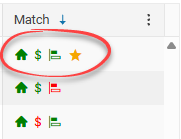
Star
If a matching property displays a star, this means the property matches all of the buyer’s requirements.